 VedaWatch
Recovery & Apple Watch
Apple Watch Readiness score missing or not updating: what to check
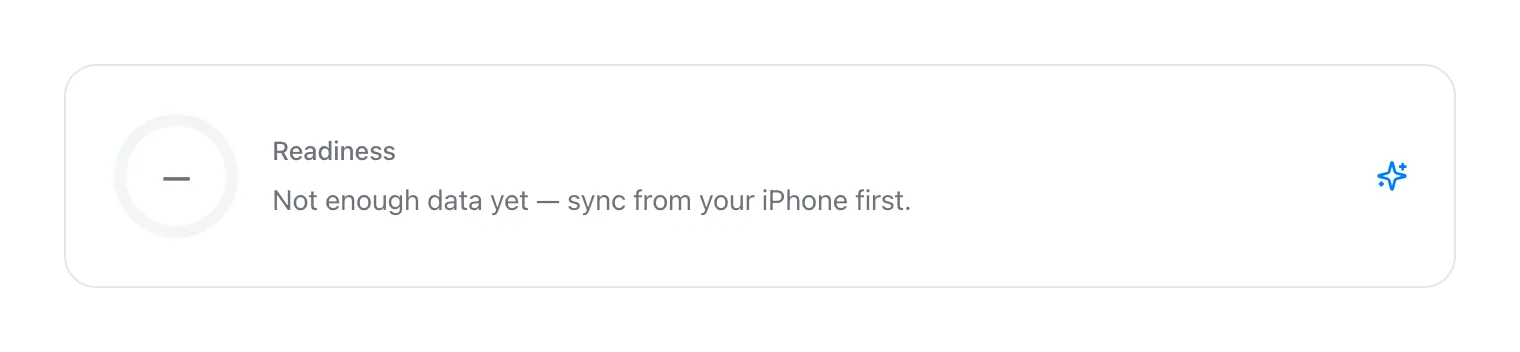
No Readiness app, a blank score, or a number that hasn't updated in days. Walk through the hardware, setup, and sleep-tracking requirements that explain most missing Readiness scores on Apple Watch.
By VedaWatch editorial team · · 6 min read
The short answer
Readiness only runs on Apple Watch Series 12 and Ultra 4, and it needs Activity, Health Details, Sleep, and Overnight Vitals all set up, plus at least 7 of the last 49 nights tracked with the watch worn to bed. Most "missing" scores trace back to one of those, not a bug.
Why your Readiness score might be missing
A missing or stuck Readiness score almost always comes down to one of four things: your watch doesn't support the feature, a setup step hasn't been completed, you haven't worn the watch to bed enough nights yet, or you're looking in the wrong place. Work through them in that order—it's the fastest path to an answer.
Check your Apple Watch model first
Readiness is limited to Apple Watch Series 12 and Apple Watch Ultra 4, for ages 13 and older. Apple hasn't brought it to older models—Series 11 and earlier, Ultra 3 and earlier, and every SE model don't get a Readiness app at all, regardless of watchOS version.
If you're on an older watch, this isn't something a software update will fix. Checking your watch model is the single fastest way to rule out the most common cause.
- On iPhone: open the Watch app, tap General → About, and check the Model field.
- On Apple Watch: open Settings → General → About and check Model Name.
Confirm the required setup is complete
Even on supported hardware, Readiness needs four things configured before it can produce a score: Activity, Health Details (height, weight, and age), Sleep, and Overnight Vitals. Missing any one of them will leave the score blank.
- Open the Fitness app on iPhone and confirm Activity is set up (you should see ring data).
- Open the Health app, tap your profile picture, then Health Details, and confirm height, weight, and age are filled in.
- In the Health app, check Browse → Sleep and Browse → Vitals to confirm both are configured with a sleep schedule and overnight tracking enabled.
Give it enough nights of sleep data
Readiness compares your overnight vitals against a personal baseline, and Apple requires wearing your watch to bed for at least 7 of the past 49 nights before that baseline exists. A brand-new watch, a recently restored one, or a stretch of nights left on the charger will all produce a missing or incomplete score—not because anything is broken, but because there isn't enough history yet.
If you've only just started wearing your watch overnight, the honest fix is to keep doing it for a week or two and check back, rather than assuming something needs to be reset.
Make sure you're looking in the right place
Readiness lives in two places, and it's easy to miss on iPhone specifically.
- On Apple Watch: open the Readiness app directly from the watch face or app grid.
- On iPhone: open the Fitness app, tap Readiness—on smaller screens you may need to scroll to the very bottom to find it.
Still nothing? What to try next
If your watch model is supported, setup looks complete, and you've worn it overnight for more than a week with still no score, try a basic sync refresh: open the Fitness app on iPhone, pull down to refresh, and give it a few minutes—Readiness updates through the day rather than instantly. A watch restart or re-pairing is a last resort, not a first step.
If you rely on a third-party app to display your recovery data rather than Apple's own Readiness app, remember that app needs its own Health data permissions—a reading present in Apple Health doesn't automatically mean every app you've installed can read it.
Common questions
Will Readiness ever come to older Apple Watch models? Apple hasn't said. As of this writing it's exclusive to Series 12 and Ultra 4.
Does Low Power Mode affect Readiness? Reduced background sensor activity can affect how much overnight vitals data gets collected, which can indirectly affect the score.
Why did my score disappear after it was working? Check whether you skipped wearing the watch overnight recently, or whether Sleep or Overnight Vitals tracking got turned off in Settings.
An alternative that works on any Apple Watch
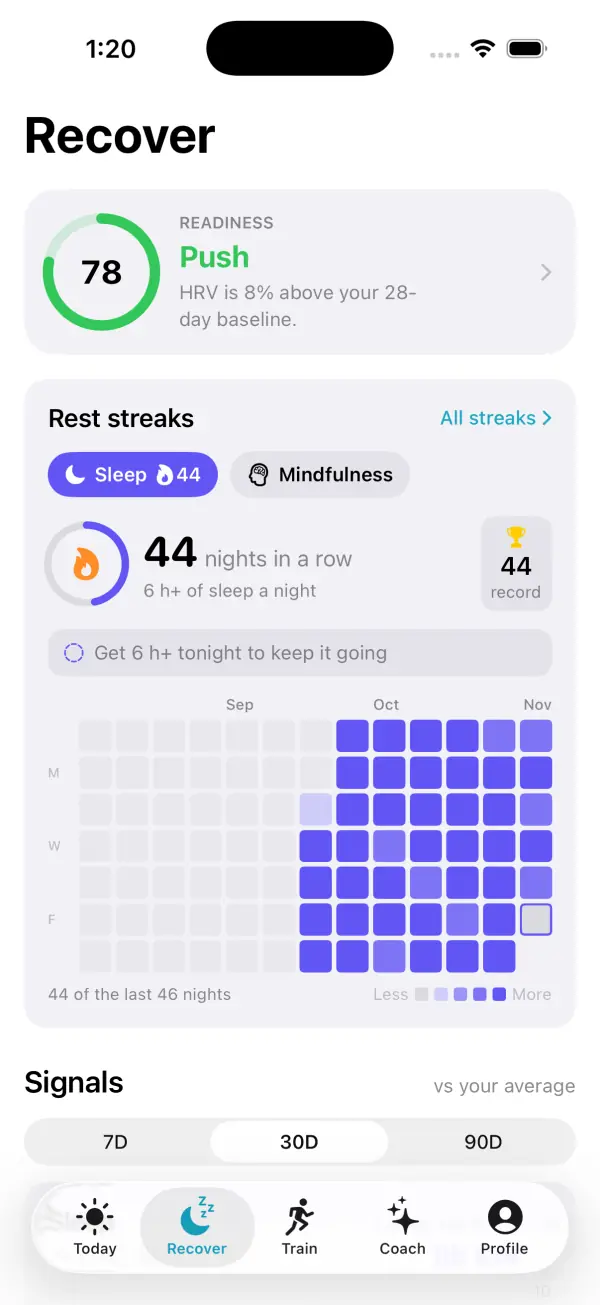
If your watch simply doesn't support Apple's Readiness app, VedaWatch computes its own recovery score from the HRV, resting heart rate, sleep, and wrist temperature data your Apple Watch already writes to Apple Health—no Series 12 or Ultra 4 required.
With permission, it reads what's already on your iPhone; it can't invent measurements your watch never recorded, so the same sleep-tracking consistency advice above still applies.
Sources & further reading
- Apple Support: Understand your readiness score on Apple Watch
- Apple Support: Use the Readiness app on Apple Watch
This guide is educational, not medical advice, and has not been clinically reviewed. VedaWatch is not a medical device. If you have symptoms or concerns about your heart or health, contact a qualified healthcare professional.
Put your trends in perspective.
Explore HRV, sleep, and recovery with VedaWatch on your iPhone.
Download VedaWatch on the App Store →